By the VectorLink Design Team
The shuttle is one of the first impressions a traveler has of an airport, and one of the last. For thousands of airport employees, it is part of the daily commute. For most operators, it is also one of the least supported parts of the operation when it comes to passenger-facing technology.
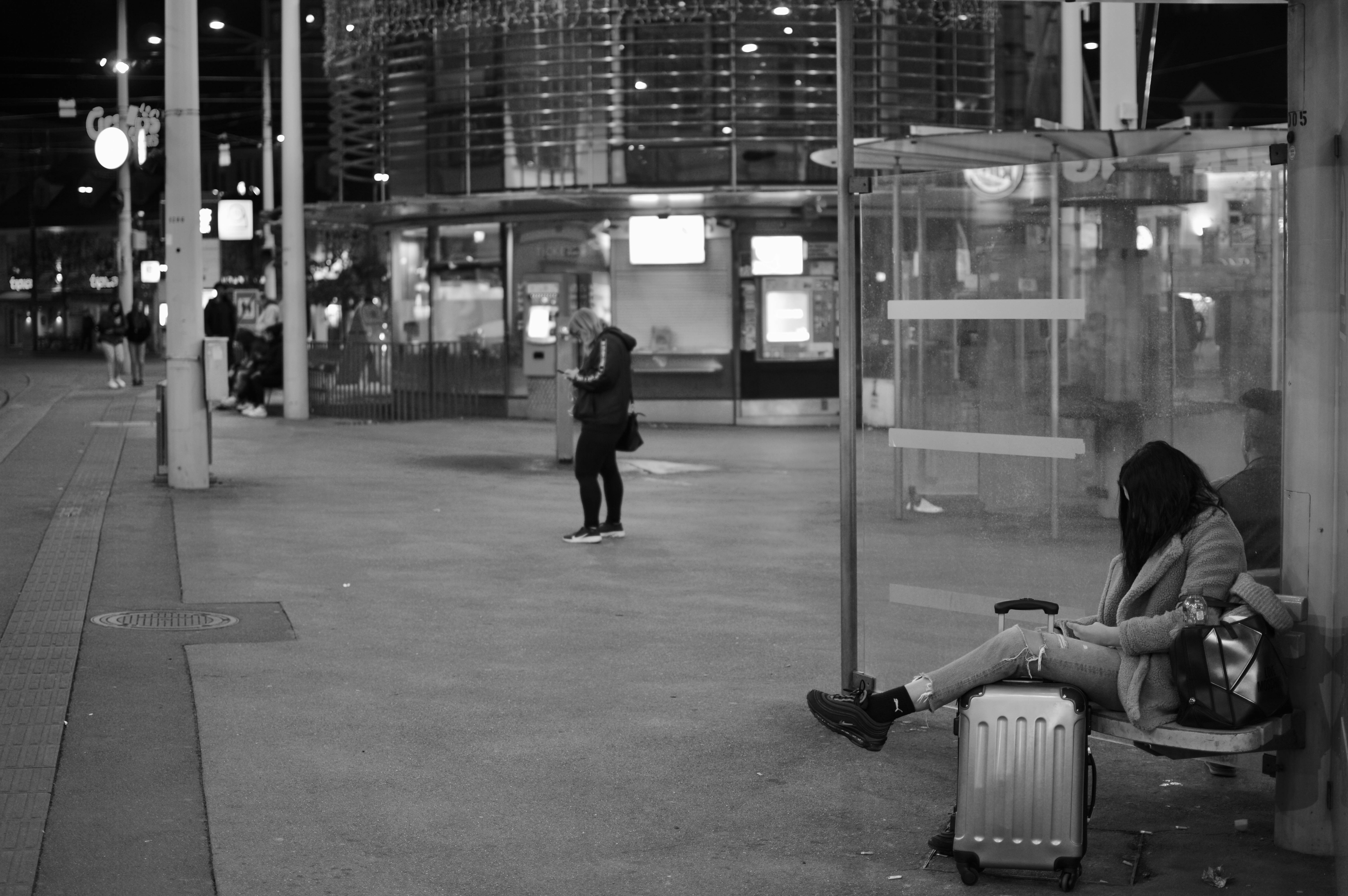
The default assumption built into existing rider tools is that the passenger is a transit commuter. Show every route. Show every stop. Show the schedule. Let the rider figure out which one they need. That works for someone who takes the same bus to the same job every day. It does not work for a tired traveler standing at Economy Lot C with luggage at 11 PM.
Why generic rider tools fail at the curb
At the moment a passenger needs shuttle information most, three things are true:
- They are at a specific physical location and only care about the buses serving it
- They are mid-task (returning to a car, heading to a terminal, transferring between gates) and have very little patience for friction
- They are often stressed, in a hurry, or both
A rider app that requires download, account creation, location permissions, or even more than two seconds of orientation is going to lose them. So is a digital sign that lists every route in the system in five-point font.
The right answer is not to give the rider more. It is to give the rider less, calibrated to where they are.
What zero-friction means in practice
A few design decisions that fall out of taking the curb seriously:
- No app. The interface is a mobile web page, accessed by scanning a QR code at the stop. The QR code is the entire onboarding flow.
- No account. The rider does not have an identity in the system, and does not need one.
- No location permissions. The QR code scan is the location signal. The system already knows which stop the rider is at because that is the QR code they scanned.
- One question, one answer. The screen shows the buses arriving at this stop, in order, with ETAs. Everything else is secondary.
- Accessibility from the start. Screen reader support, semantic markup, full keyboard navigation, WCAG 2.1 AA. A rider who needs assistive technology should not have to use a different interface.
The result is something a passenger can use in the time it takes to lift a phone, without having decided to use it before they got to the curb.
Why this matters to the airport, not just the operator
A frustrated passenger at the curb is a frustrated passenger at the airport. The shuttle experience reflects on the airport's brand, the operator's performance, and the airport authority's contracted standard, all at the same time. Reducing curb uncertainty pulls all three of those numbers in the right direction.
It also reduces inbound questions to dispatch, terminal staff, and customer service. Every rider who can answer "when is my bus" by themselves is one fewer call routed somewhere else.
The harder design question
The hardest part of designing for the curb is not adding capability. It is removing it. Every additional feature, every additional screen, every additional decision tree adds friction in exactly the moment the rider has the least patience.
The right rider tool is the one that does the smallest possible thing, perfectly, in the smallest possible amount of time.